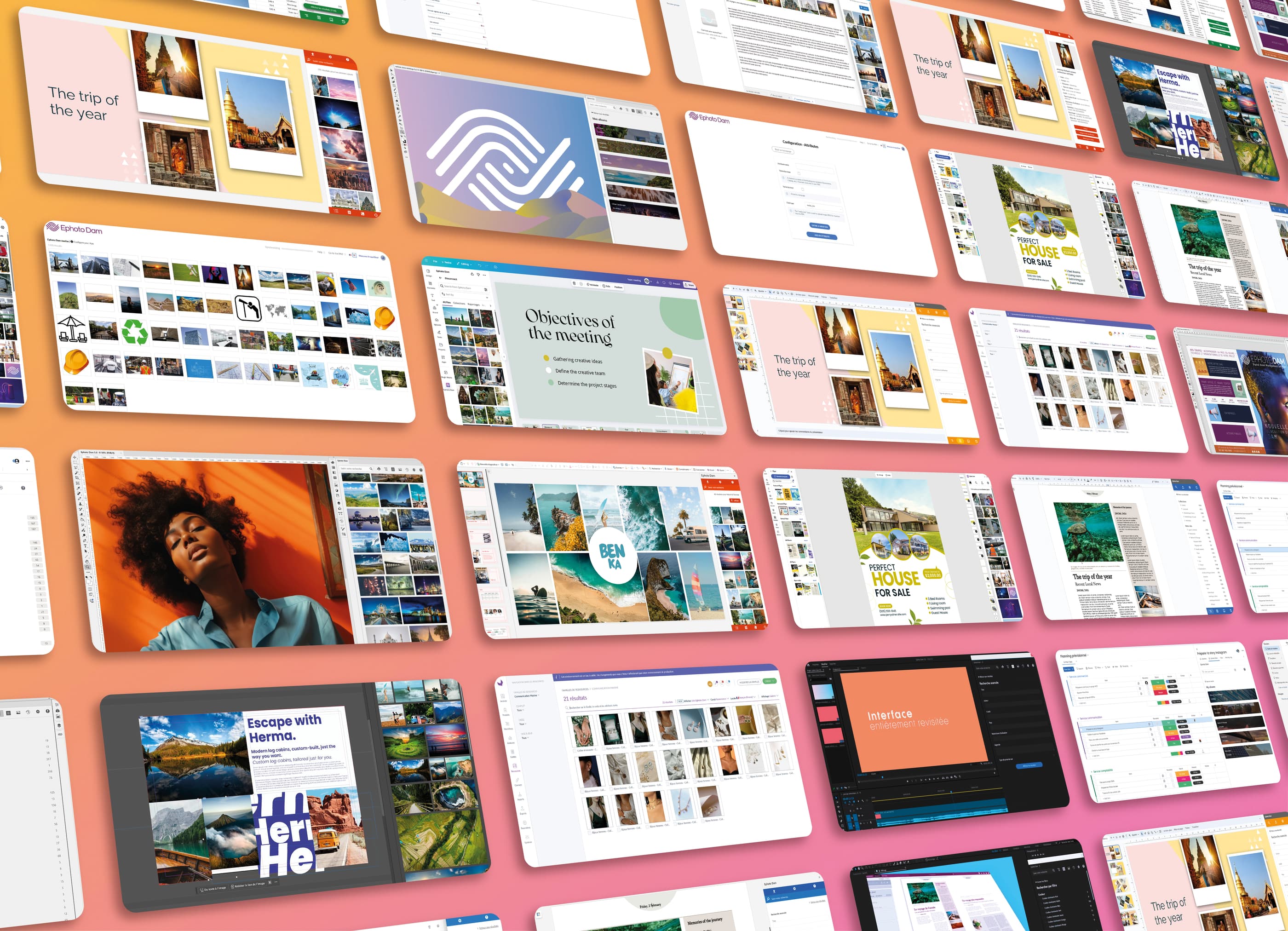
All native Ephoto Dam plugins and integrations
Ephoto Dam integrates natively with more than 50 everyday tools: the Adobe Creative Cloud suite, Microsoft 365, Google Workspace, Canva, Figma, monday.com, Akeneo, Drupal and many more. Every one of these native plugins, extensions and connectors is built in-house by our teams, maintained at the same pace as the Ephoto Dam solution and included at no extra cost. Browse the full catalog... of our DAM integrations, sorted into 15 categories, to check compatibility with your ecosystem and connect your business tools to your media library, from media creation to distribution.
Categories
Categories
Adobe After Effects Add-on
Version 3.3.0The Adobe After Effects add-on lets you browse your Ephoto Dam-managed media and integrate it into your After Effects animation. Search for media or browse your albums to use your media in your animation, all from the After Effects interface
Adobe Bridge Add-on
Version 3.3.0The Adobe Bridge add-on lets you browse media managed by Ephoto Dam directly from Bridge. Search for files, explore your albums, and open media to use them easily in your creative projects. You can also upload project files to Ephoto Dam with a simple drag and drop, without leaving the Bridge interface
Adobe Express Add-on
Version 1.0.9The Adobe Express add-on lets you open a media from Ephoto Dam to insert it into your Adobe Express creation. Search for media, view your albums and import your document to Ephoto Dam, all from the Adobe Express interface
Adobe Illustrator Add-on
Version 3.3.0The Adobe Illustrator add-on lets you open media imported directly from Ephoto Dam to make changes in Illustrator. Search for media, consult your albums and send your document back to Ephoto Dam, all from within the Illustrator interface
Adobe InCopy Add-on
Version 3.3.0The Adobe InCopy add-on allows you to open media imported directly from Ephoto Dam and integrate it into your InCopy document. Search for media, browse your albums, and send your document back to Ephoto Dam — all from within the InCopy interface
Adobe InDesign Add-on
Version 3.3.0The Adobe InDesign add-on lets you open media imported directly from Ephoto Dam and integrate it into your InDesign design. Search for media, consult your albums and send your document back to Ephoto Dam, all from the InDesign interface
Adobe Photoshop Add-on
Version 3.3.0The Adobe Photoshop add-on lets you open media imported directly from Ephoto Dam for editing in Photoshop. Search for media, consult your albums and send your document back to Ephoto Dam, all from the Photoshop interface
Adobe Premiere Pro Add-on
Version 3.3.0The Adobe Premiere Pro add-on lets you choose media directly from Ephoto Dam to integrate into your Premiere Pro video edit. Search for media or browse your albums to feed your edit and send the final video back to Ephoto Dam, all from within the Premiere Pro interface
Adobe Stock Add-on
Version 2.0.0If you have a subscription to the Adobe Stock image bank, you can retrieve your purchased media directly from Ephoto Dam. Once purchased on the dedicated site, you'll automatically find your media in your usual indexing space. Set up metadata retrieval from Adobe Stock to find the essential elements of your media description in Ephoto Dam
Akeneo Add-on
Version 2.0.0The Ephoto Dam middleware for Akeneo lets you create a real complementarity strategy between your Dam and your Pim. By setting up the transfer of your product images from Ephoto Dam to Akeneo, keep your media library as a single source of media and feed the Pim with adapted images in adapted formats delivered by Ephoto Dam
Amap Add-on
Version 1.4.15The Amap mapping system can be integrated into Ephoto Dam instead of the default Google Maps solution. Your geolocated media are then visible and searchable directly on the map, using GPS coordinates. Map indexing also generates GPS coordinates, which are added to your media's metadata
Android App
Version 2.3.10The Ephoto Dam Android application allows you to access your Back Office from your smartphone. Log in with your credentials to access your media library, browse your images and albums, or upload new media
ArcGIS Add-on
Version 3.13.0ArcGIS is a professional mapping system for building your own interactive maps, with different layers and multiple display modes. Ephoto Dam can integrate your ArcGIS mapping system instead of the default Google Maps module. Thus, searches and indexing through your personalized card are made possible within Ephoto Dam
CKEditor 5 Add-on
Version 5.0.0The add-on for the CKEditor web content editor lets you to integrate media imported from Ephoto Dam directly into your description
Canva Add-on
Version 2.10.0Ephoto Dam add-on, lets you insert images from your DAM directly into your Canva designs. Search for images, view your albums, and complete your creations without leaving the Canva interface
ChatGPT Add-on
Version 1.0.0Coming soon
Claude Add-on
Version 1.0.0Coming soon
CorelDraw Add-on
Version 1.0.0CorelDraw add-on allows you to open a media directly imported from Ephoto Dam to make changes from your vector drawing software. Search media, consult your albums and send your Ephoto Dam document, all from the CorelDraw interface
Drupal 11 Add-on
Version 5.2.0The Drupal add-on lets you to integrate the media from your multimedia resources with your texts, by accessing Ephoto Dam from your usual editing interface
Figma Add-on
Version 2.0.0To prepare your layouts, nothing could be easier than integrating media with the Ephoto Dam add-on for Figma. In Figma, you'll find a tab dedicated to your Ephoto Dam media library. Search, albums, collections and keywords are just some of the functions integrated into the add-on to facilitate your graphic creation
Google Docs Add-on
Version 1.5.0Illustrate your documents with the Ephoto Dam add-on for Google Workspace's document creation tool. Browse your document collection and drag and drop images to enhance your editorial content. Choose between embedding a simple media download link or a thumbnail image. Bonus: the image weight is automatically optimized for this type of digital document
Google Drive Add-on
Version 1.0.0Coming soon
Google Maps Add-on
Version 3.61The Google Maps system is integrated into Ephoto Dam by default. Your geotagged media can be viewed and searched directly on the map using GPS coordinates. Map-based indexing also generates GPS coordinates, which are then added to your media’s metadata
Google Sheets Add-on
Version 1.5.0Within your Sheets spreadsheets, integrate images or download links from your Ephoto Dam media without leaving the Google Workspace interface. Use your Ephoto Dam image bank in your spreadsheet, thanks to search functions and albums
Google Slides Add-on
Version 1.5.0Enhance each of your Google Slides presentations with images managed in your Ephoto Dam. Without leaving your tool, access your search, your albums and your tree structure to easily feed your Slides with images and videos taken directly from Ephoto Dam
Hotfolder for macOS App
Version 1.0.0The Hotfolder application for macOS allows contributors to upload media to the application without using the web interface. A folder on the workstation is synchronized with Ephoto Dam, and any media placed in it is automatically uploaded to the contributor’s account in the application
Lightroom Classic Add-on
Version 1.6.0The Adobe Lightroom Classic extension allows you to export images edited in the software to Ephoto Dam. If metadata mapping is configured, your indexing will be preserved in Ephoto Dam
Microsoft Excel Add-on
Version 4.0.0The Microsoft Excel add-on lets you insert images directly imported from Ephoto Dam into your text. With a simple search system, you can browse your collections from within Word
Microsoft OneDrive Add-on
Version 1.0.0Coming soon
Microsoft OneNote Add-on
Version 4.0.0With the Ephoto Dam plugin for OneNote, you can quickly add images from your media library to your notes. Browse your albums, run a search, or use keywords to find the right visual without leaving OneNote. Perfect for enriching your content while keeping your sources centralized
Microsoft Outlook Add-on
Version 4.0.0The Microsoft Outlook add-on lets you insert images directly imported from Ephoto Dam into your text. With a simple search system, you can browse your collections from within Word
Microsoft PowerPoint Add-on
Version 4.0.0The Microsoft Power Point add-on lets you insert images directly imported from Ephoto Dam into your text. With a simple search system, you can browse your collections from within Word
Microsoft SharePoint Add-on
Version 2.0.0The Ephoto Dam add-on for the SharePoint web content editor lets you integrate media imported from Ephoto Dam directly into your pages. Boost your SharePoint platform easily with media content managed in your media library
Microsoft Word Add-on
Version 4.0.0The Microsoft Word add-on lets you insert images directly imported from Ephoto Dam into your text. With a simple search system, you can browse your collections from within Word
Mistral AI Add-on
Version 1.0.0Coming soon
Moodle Add-on
Version 1.0.0The Moodle add-on lets you to integrate the media from your multimedia resources with your texts, by accessing Ephoto Dam from your usual editing interface
Prestashop 8.2 Add-on
Version 1.0.0The Prestashop add-on lets you to easily integrate media into your product sheets, by accessing Ephoto Dam from your usual editing interface. In addition to being able to order your product photos, the plugin integrates automatic media update in Prestashop if you modify them in Ephoto Dam
SSO CAS Add-on
Version 3.1.0Coming soon
SSO Google Add-on
Version 1.0.0Ephoto Dam supports Google Workspace single sign-on. Our team will help you configure and connect Ephoto Dam to Google Workspace
SSO Lark Add-on
Version 1.0.0Coming soon
SSO Microsoft Entra ID Add-on
Version 1.0.0Coming soon
SSO OpenID Connect Add-on
Version 1.0.0Coming soon
SSO SAML Add-on
Version 3.0.0Coming soon
SSO WeChat Add-on
Version 1.0.0Coming soon
SSO WeCom Add-on
Version 1.0.0Coming soon
Service IIIF
Version 3.0.0IIIF is a standard defining a set of specifications to provide digital libraries with a common technical framework for the distribution and manipulation of images. This means you can use the viewer of your choice (Mirador, Universal Viewer, etc.) to juxtapose and manipulate documents from different digital libraries in the same interface
Service MCP
Version 1.0.0Coming soon
Sketch Add-on
Version 1.0.0Easily integrate your visuals into Sketch with the Ephoto Dam plugin. A dedicated panel gives you direct access to your media library from within Sketch: search your media, browse albums, collections, or keywords, and insert your content in just a few clicks. Save time on mockups and keep your graphic projects optimally organized
TinyMCE 5 Add-on
Version 5.0.1The TinyMCE Web Content Editor add-on lets you to insert images imported from Ephoto Dam directly into your description
Uploader for Windows App
Version 1.1.2The Uploader application for Windows allows contributors to upload media to the Ephoto Dam application without using the web interface. Thanks to a desktop application synchronized with Ephoto Dam, your media is automatically uploaded to your account in the application. You can then find your media in Edition to index it
WordPress 7 Add-on
Version 3.1.6The WordPress add-on lets you to integrate the media from your multimedia resources with your texts, by accessing Ephoto Dam from your usual editing interface
Xibo CMS Add-on
Version 2.0.1The add-on for the Xibo digital signage content manager lets you to integrate directly into your layouts the media imported from Ephoto Dam from your usual editing interface
iOS App
Version 3.2.1The Ephoto Dam iOS application allows you to access your Back Office from your smartphone. Log in with your credentials to access your media library, browse your images and albums, or upload new media
monday.com Add-on
Version 1.0.0The Ephoto Dam add-on for \"monday.com\" lets you insert media from your Dam into your project management. To complete the content of a task, a documentation page or a development plan, login your Dam software from \"monday.com\" and import your digital assets directly
FAQ
A third-party connector adds an extra layer between your DAM and your tools: one more dependency to pay for, update and monitor. At Ephoto Dam, every native integration is developed and maintained by the Einden teams, which has three concrete consequences.
First, maintenance follows the pace of the solution: with every new version of Ephoto Dam, Adobe Creative Cloud or Microsoft 365, the matching DAM plugin is updated. Second, all native plugins and connectors are included in the solution, at no extra cost. Third, authentication goes through the platform SSO, with connectors for CAS, Google, OpenID Connect, Microsoft Entra ID and SAML: the permissions, roles and distribution rules defined in the DAM apply identically in the connected tool, with no duplicate accounts to manage.
Our DAM plugins are organized into 15 categories, one per tool family:
- Creative: Photoshop, Illustrator, InDesign, InCopy, Premiere Pro, After Effects, Bridge, Lightroom Classic and Adobe Express extensions from the Adobe Creative Cloud suite, plus Canva, Figma, Sketch and CorelDraw.
- Office Tools: Microsoft 365 plugins for Word, PowerPoint, Outlook, Excel and OneNote, along with Google Docs, Slides and Sheets.
- AI: Claude, ChatGPT and Mistral AI connectors, plus the Ephoto Dam MCP server to query your media from your AI assistants.
- CMS: Drupal 11, WordPress 7, Moodle and Xibo CMS connectors.
- PIM: Akeneo integration to synchronize media with product records.
- E-commerce: Prestashop 8.2 and Akeneo to feed your product catalogs.
- SSO: single sign-on through CAS, Google, OpenID Connect, Microsoft Entra ID and SAML.
- Presentation: PowerPoint, SharePoint, Google Slides, Xibo CMS and the IIIF service.
- Maps: Google Maps, Amap and ArcGIS to make the most of your media geolocation.
- Video: editing wired straight into the DAM with Premiere Pro and After Effects.
- Storage: App Uploader for Windows and App Hotfolder for macOS, for bulk uploads.
- Mobile App: browsing and uploading from the iOS and Android apps.
- Project Management: monday.com extension.
- Developer: TinyMCE 5 and CKEditor 5 editors, on top of the Ephoto Dam API.
- Stock Images: direct access to the Adobe Stock catalog.
Each entry in the catalog states the tool covered, the supported version and the installation method.
Three installation methods, depending on the tool. From the marketplace of the tool: Adobe Exchange, Microsoft Marketplace, Google Workspace Marketplace, Figma Community, Akeneo App Store, Drupal.org, WordPress Plugin Directory, monday.com marketplace, App Store and Google Play. From the Ephoto Dam Store: the applications and plugins we distribute ourselves are installed from your own platform. On request: SSO, Maps and IIIF connectors and e-commerce integrations are enabled and configured with our teams.
Each entry in the catalog indicates the installation method for the tool concerned. Request a demo to see the installation live.
Your tool is not in the catalog? The Ephoto Dam DAM API covers most interconnection needs, from a website to an in-house business tool. For more specific cases, the Einden teams design custom connectors: scoping the data flow, development, testing and go-live. Describe your ecosystem and your media volumes to us: together we will confirm whether your custom integration is feasible.